DELI Fingerprint & Digital Safety Box
Model : ET635
FEATURES :
- Massive 60cm Height: Extra-large vertical space specifically designed to accommodate A4 and F4 document levers, tall binders, and electronic devices.
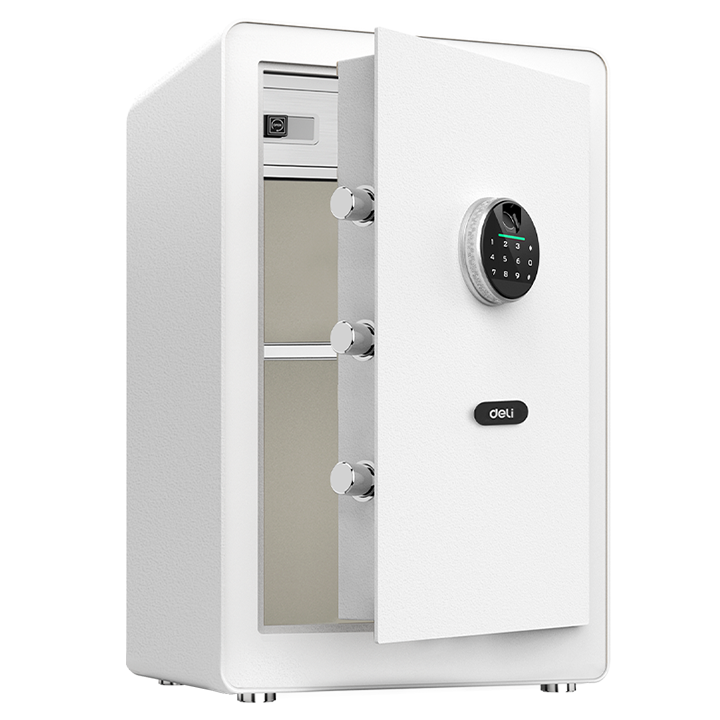
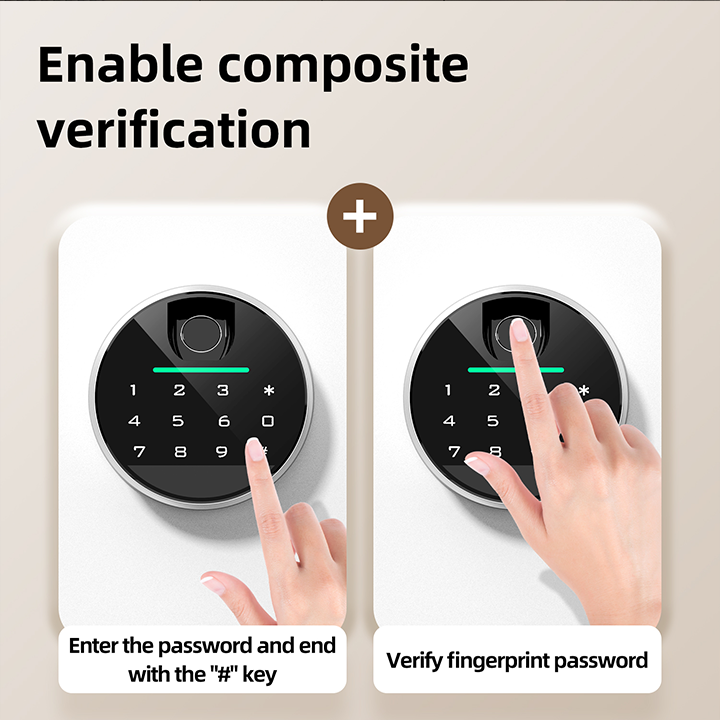
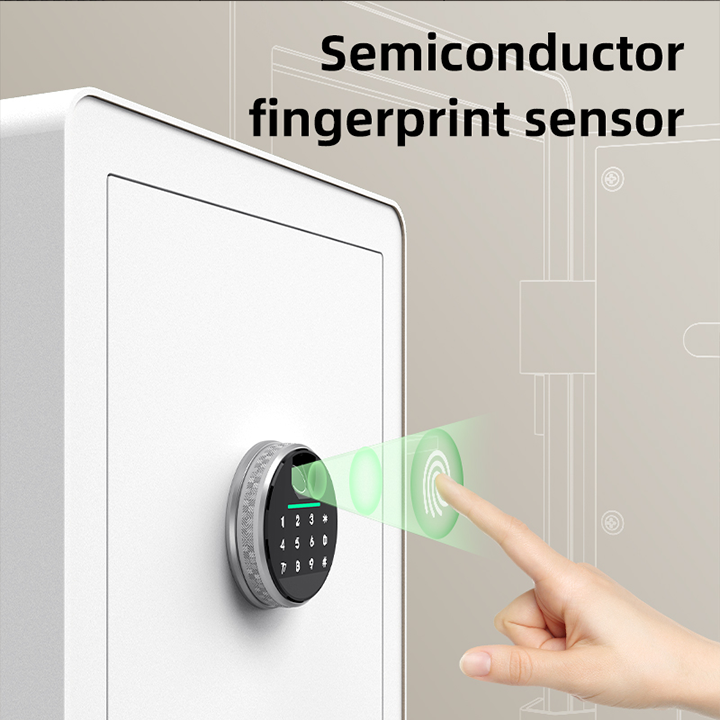
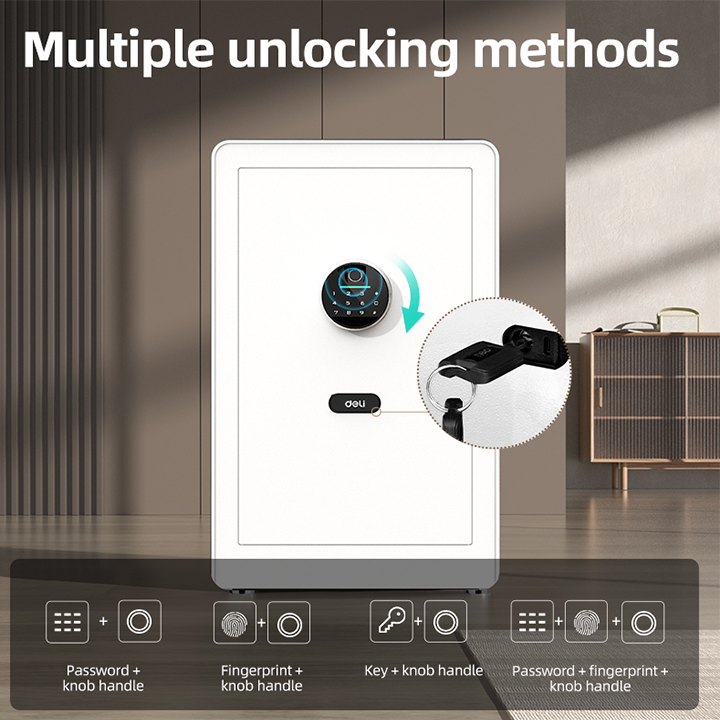
- Triple-Mode Access: Flexible entry using biometric fingerprint (30-print capacity), a 4–8 digit digital code, or a concealed emergency key.
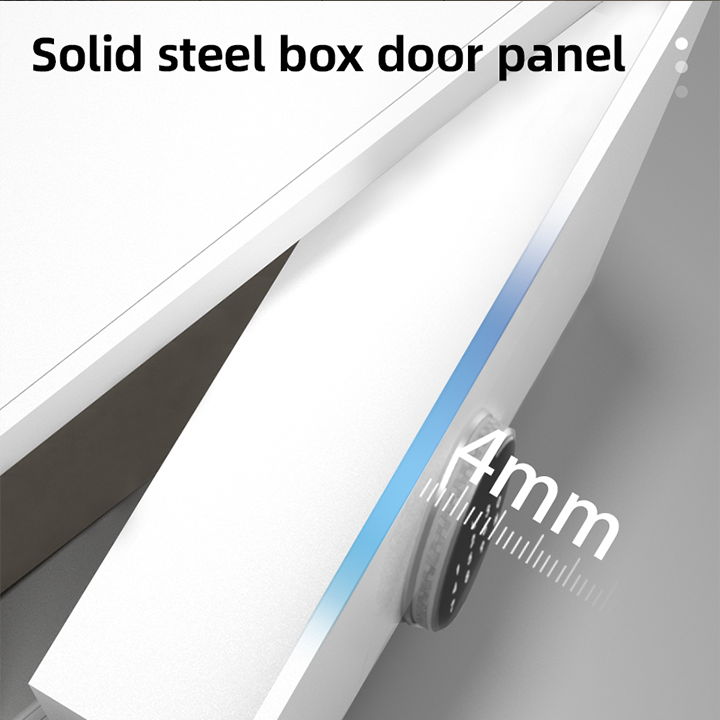
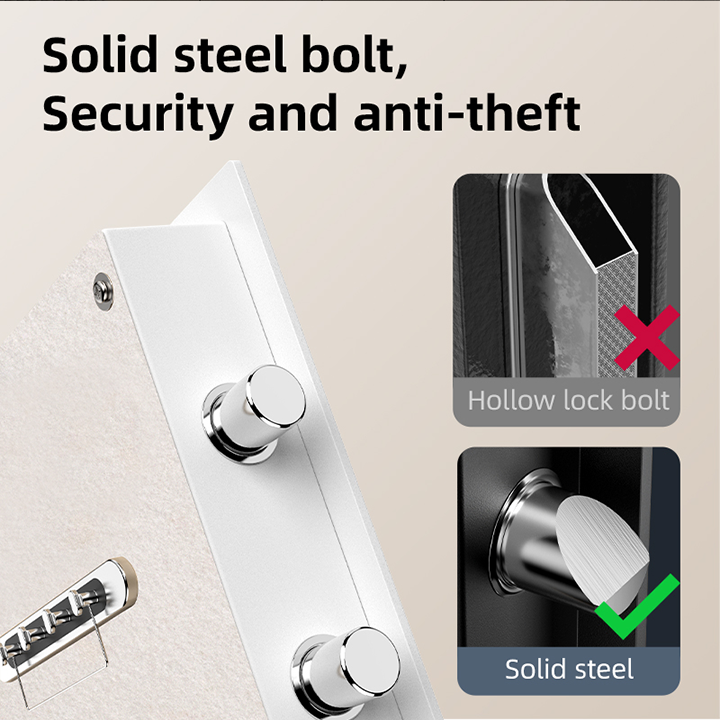
- Reinforced Security: Features a high-strength 5.5mm steel door panel and triple solid steel bolts for superior mechanical protection.
- Dual-Layer Storage: Includes a separate internal lockbox at the top for highly sensitive items and an adjustable shelf for better organization.
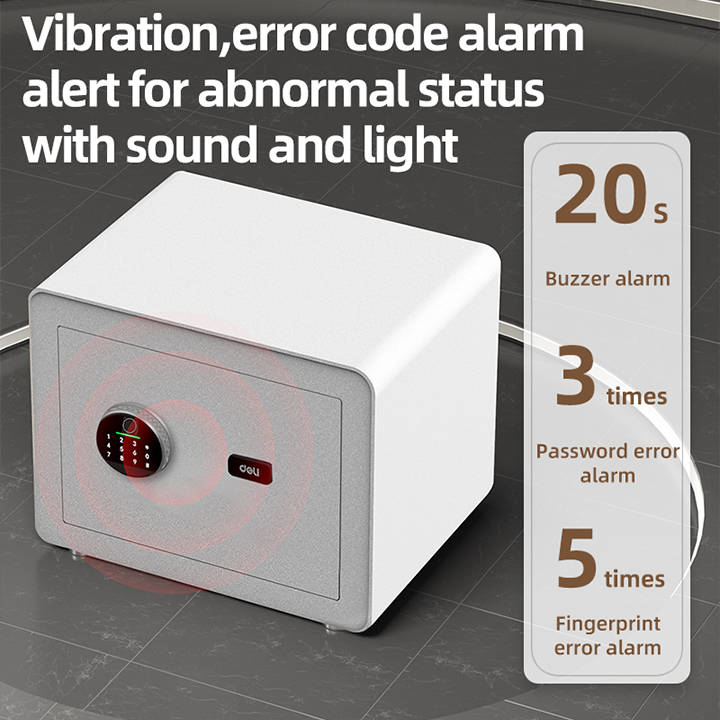
- Intelligent Alarm: A high-decibel buzzer triggers after 3 failed PIN attempts or 5 fingerprint errors to deter unauthorized access.
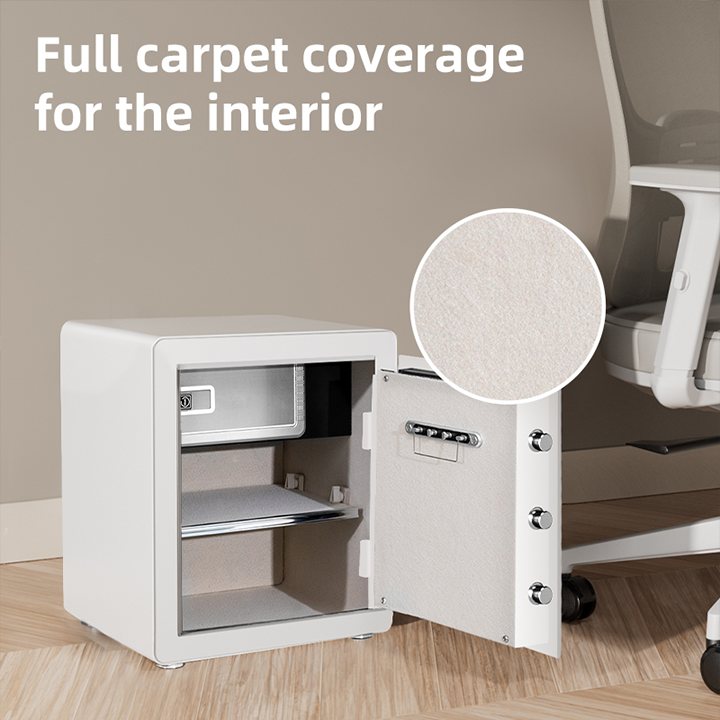
- Full Interior Padding: Elegant felt lining throughout the cabinet protects delicate items like watches and cameras from surface damage.
SPECIFICATIONS :
- Model : DELI ET635
- Unlocking Methods : Fingerprint, Digital PIN, Emergency Key
- Fingerprint Capacity : Up to 30 Registered Prints
- External Dimensions : 600mm (H) × 380mm (W) × 360mm (D)
- Inner Dimensions : 555mm (H) × 345mm (W) × 300mm (D)
- Steel Thickness : 5.5mm (Door) / 1.5mm (Body)
- Weight : Approx. 22.2 kg
- Power Supply : 4 x AA Alkaline Batteries
FAQ: Frequently Asked Questions
1. How do I open the safe for the first time? – Since the batteries aren’t installed yet, use the Emergency Key. Slide the small cover on the panel to reveal the keyhole, insert the key and turn it, then rotate the handle to open. Never store these keys inside the safe.
2. What is the default factory password? – The initial factory password for the ET series is typically “1234”. You must change this to your own personal 4-8 digit code immediately after setting up the batteries.
3. What happens if the internal batteries go flat? – You have two backup options: use the Emergency Override Key for manual access, or plug the included External Battery Box into the jack on the keypad to provide temporary power for your code/fingerprint.
4. How do I register multiple fingerprints for my staff? – Open the safe door, press the Reset/Setting button on the inside back of the door, and place the desired finger on the scanner. Repeat the scan 3-5 times until you hear a long confirmation beep.
5. Does it have an “Anti-Peep” function? – Yes. You can enter random numbers before and after your actual PIN code to prevent onlookers from memorizing your combination, as long as the correct sequence is included.
6. Can I mute the keypad sounds? – Yes. Most models allow you to toggle Silent Mode by pressing “00*” on the keypad while in standby. Pressing “66*” typically restores the sound.
7. Is the ET635 fire-resistant? – The ET635 is a heavy-duty security safe. While its thick carbon steel build offers some heat protection, it is primarily designed as an anti-theft vault. For 1-2 hour certified fire protection, look for the DELI ET580 series.
8. Why is it important to bolt this safe down? – At 22.2 kg, while heavy, it could still be carried away by two people. Using the 3 pre-drilled holes and included expansion bolts to anchor it to a concrete wall or floor makes it significantly more secure.
9. Why choose us as your supplier in Puchong? – As an official DELI supplier with over 15 years of experience, we provide a 1-year local warranty. Our team in Puchong is available for technical support, code recovery assistance, and mounting services.