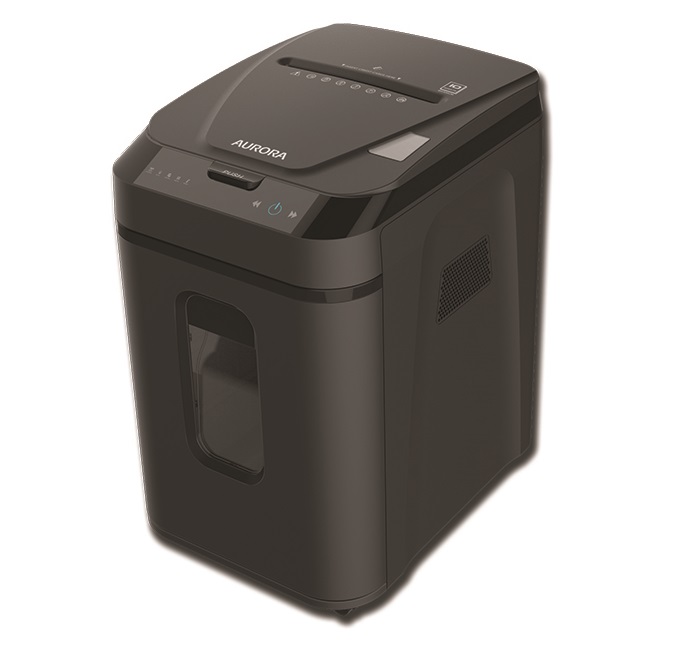
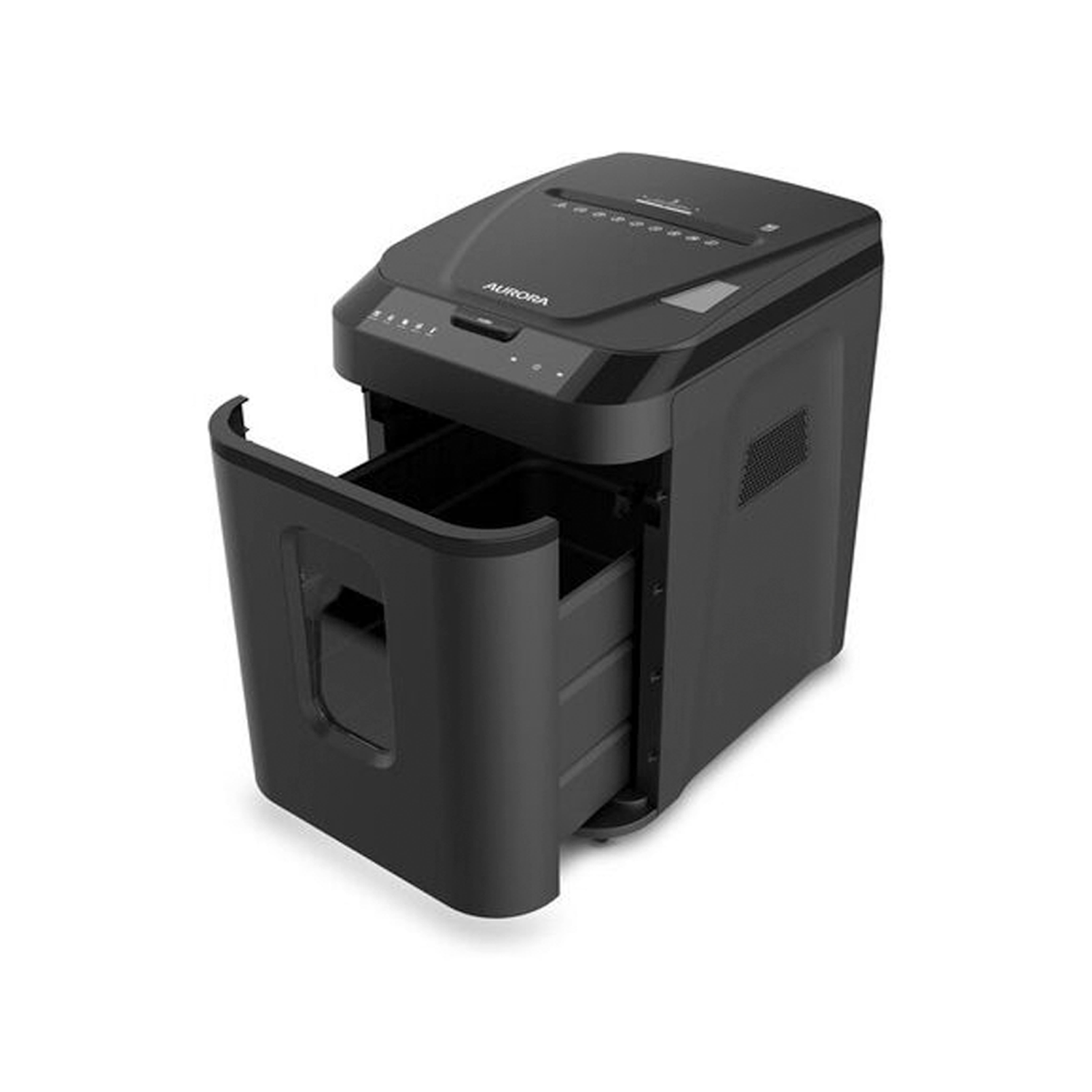
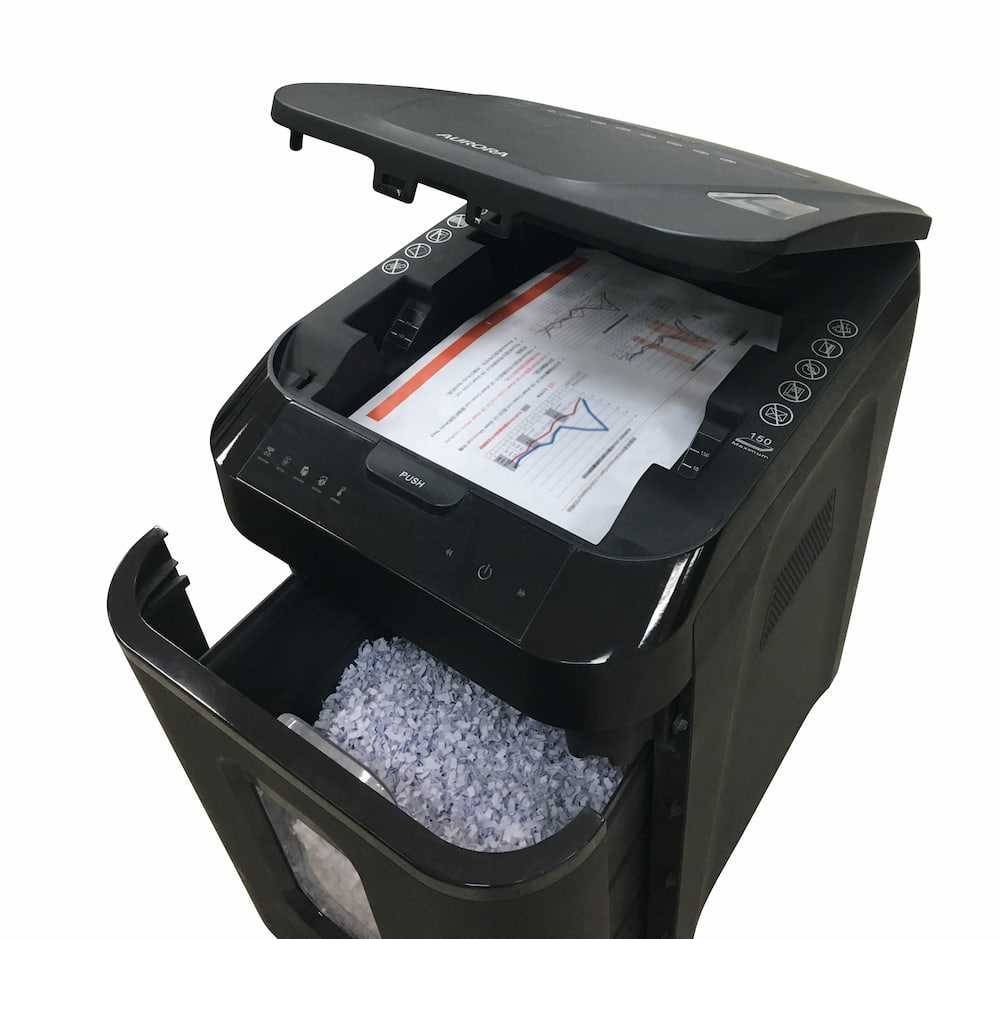
AURORA Auto Feed Paper Shredder Machine
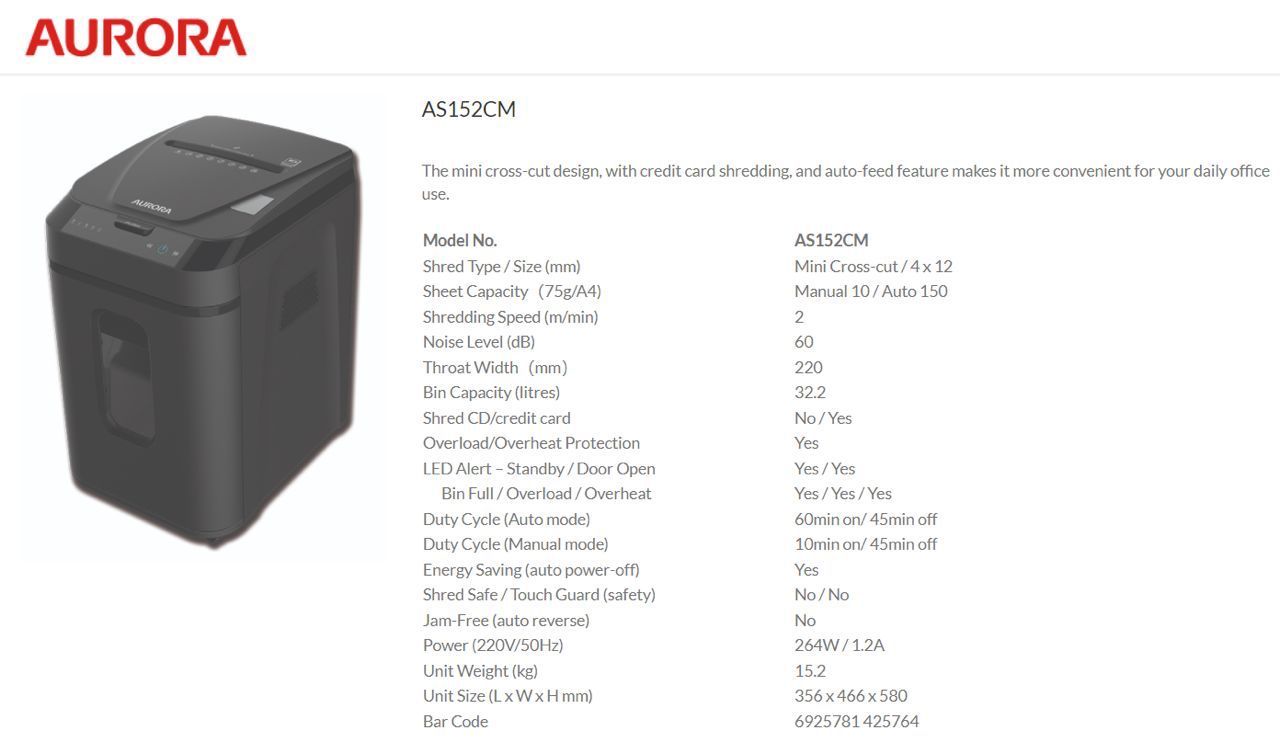
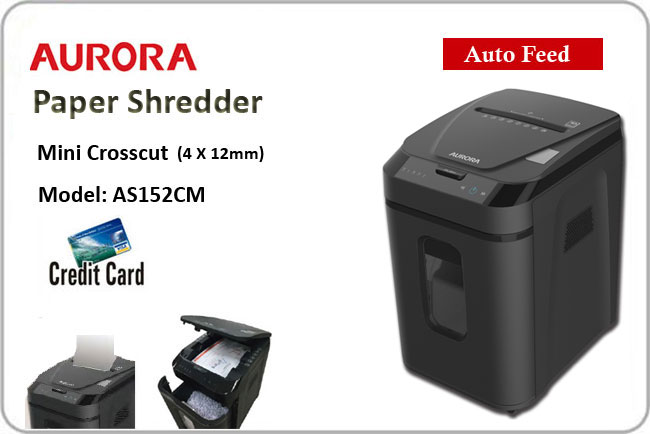
Model : AS152CM (Mini Micro-cut 4x12mm)
FEATURES :
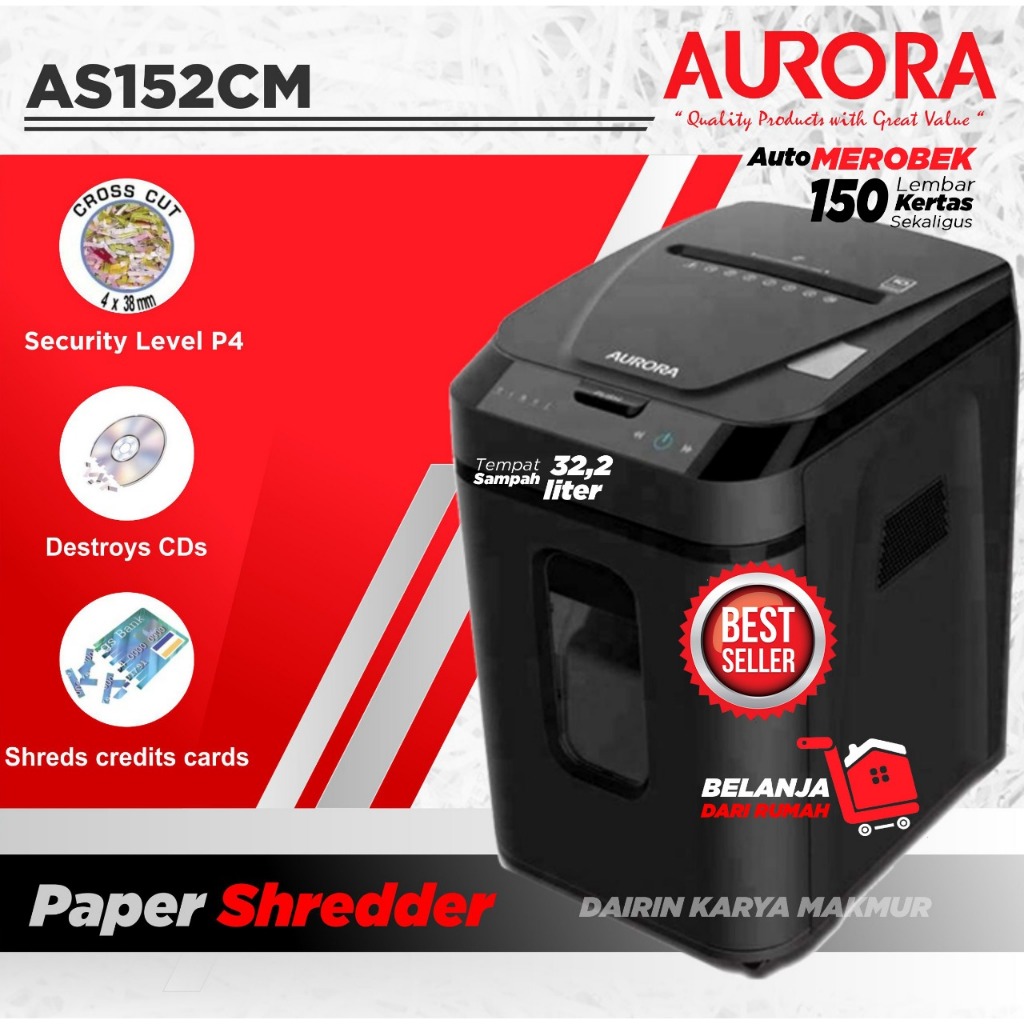
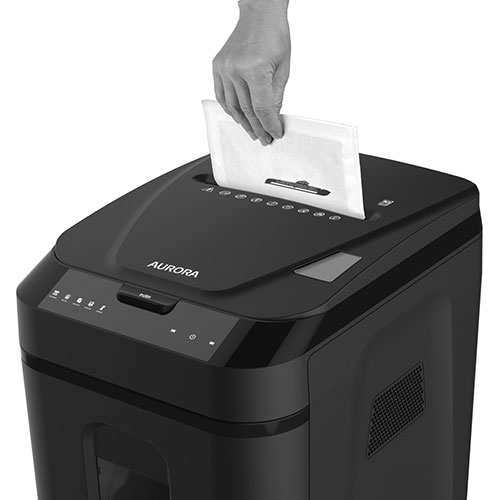
- 150-Sheet Auto-Feed: Stack up to 150 pages in the tray for completely hands-free, independent shredding.
- Mini Cross-Cut Security: Provides P-4 rated protection by shredding documents into secure 4 x 12mm confetti-like pieces.
- Marathon 60-Minute Runtime: Optimized for batch shredding, allowing for an hour of non-stop performance in auto-mode.
- Large 32.2L Pull-Out Bin: Massive waste capacity with a viewing window and a pull-out drawer for mess-free disposal.
- Quiet Induction Motor: Operates at a low 60dB, ensuring document destruction doesn’t disrupt office focus.
- Smart LED Status Center: Features visual alerts for Standby, Door Open, Bin Full, Overload, and Overheat.
SPECIFICATIONS :
- Model : AURORA AS152CM
- Shred Type : Mini Cross-Cut
- Shred Size : 4 x 12 mm
- Sheet Capacity : Auto: 150 Sheets / Manual: 10 Sheets (75gsm)
- Security Level : DIN P-4
- Bin Capacity : 32.2 Liters (Pull-Out)
- Duty Cycle (Auto) : 60 Mins ON / 45 Mins OFF
- Duty Cycle (Manual) : 10 Mins ON / 45 Mins OFF
- Shredding Speed : 2.0 Meters / Minute
- Noise Level : 60 dB
- Energy Saving : Auto Power-Off (Yes)
- Throat Width : 220 mm
- Power Specs : 220V / 50Hz (264W / 1.2A)
- Dimensions : 356 (L) x 466 (W) x 580 (H) mm
- Net Weight : 15.2 kg
FAQ: Frequently Asked Questions
1. Can I put stapled documents into the auto-feed tray? – Yes. The AS152CM is designed to process standard office staples and small paper clips automatically, so you don’t need to de-staple your files before loading the tray.
2. Does the auto-feed tray work for credit cards? – No. While the machine can destroy credit cards, they should be fed one at a time through the manual entry slot rather than placed in the auto-feed tray.
3. What is the benefit of “Mini Cross-cut” over standard cross-cut? – Standard cross-cut is usually 5x40mm. The 4x12mm mini-cut on this model creates particles that are much smaller, meaning the 32.2L bin can hold significantly more paper before needing to be emptied.
4. Can it shred glossy paper or photos? – It is primarily designed for standard 75-80gsm office paper. We recommend feeding glossy photos through the manual slot in small batches to prevent the rollers in the auto-feeder from slipping.
5. Is the 60-minute runtime available in manual mode? – No. The 60-minute marathon runtime is specifically for the auto-feed function. Manual shredding is rated for 10 minutes of continuous use.
6. How do I know when the bin is full? – The machine features a Bin Full LED indicator that will light up, and the motor will stop automatically to prevent waste from backing up into the cutters.
7. Does it have an “Auto-Reverse” feature for jams? – The AS152CM features Overload Protection. If too much paper is fed manually, the machine will stop; you can then use the manual reverse function to clear the path.
8. Is the motor durable for long-term use? – Yes, it uses a high-efficiency motor designed for the 60-minute duty cycle, providing better longevity than typical home-use shredders.
9. How often should I oil the blades? – To maintain your machine, we recommend using shredder lubricant sheets once a month or after the 32.2L bin has been emptied three times to keep the cutters sharp.
10. Why choose us? – Established in 2008, our team in Puchong, Selangor, Malaysia has over 18 years of experience in office automation. We provide localized warranty support and expert technical advice to ensure your security equipment performs perfectly.