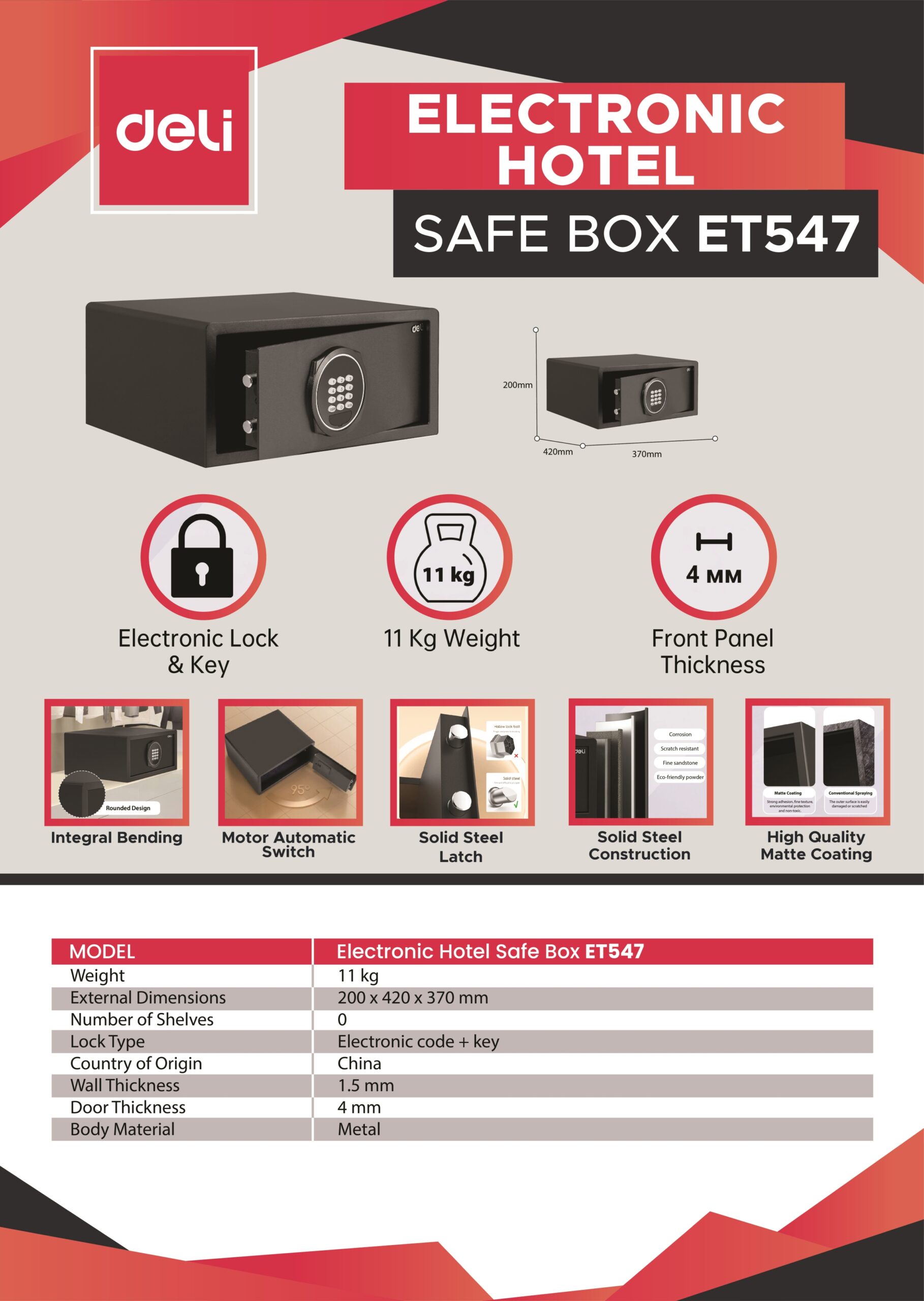
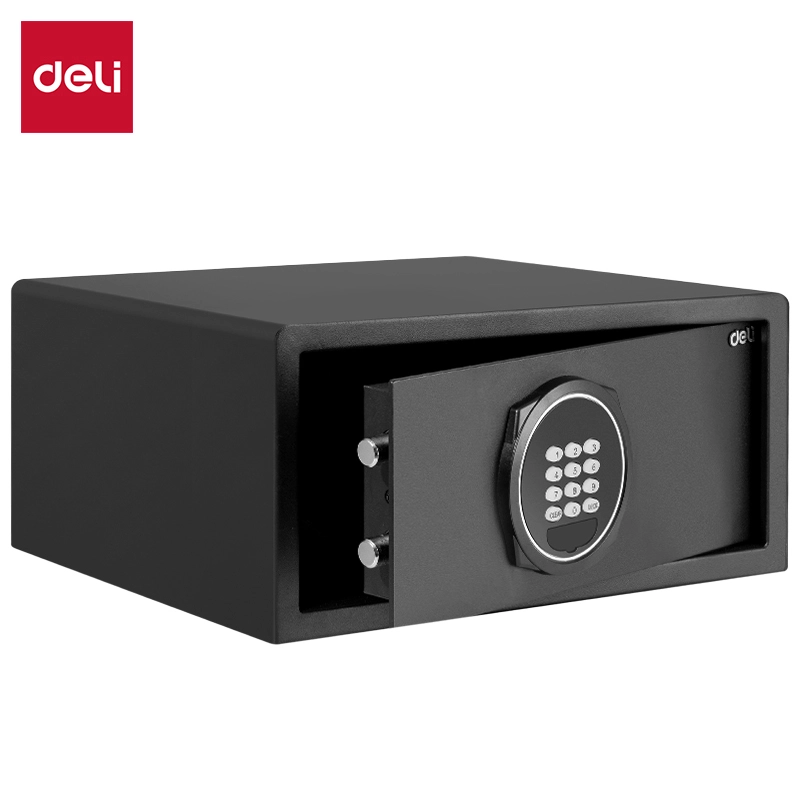
DELI Digital Safety Box (Security Deposit Safe)
Model : ET547
FEATURES :
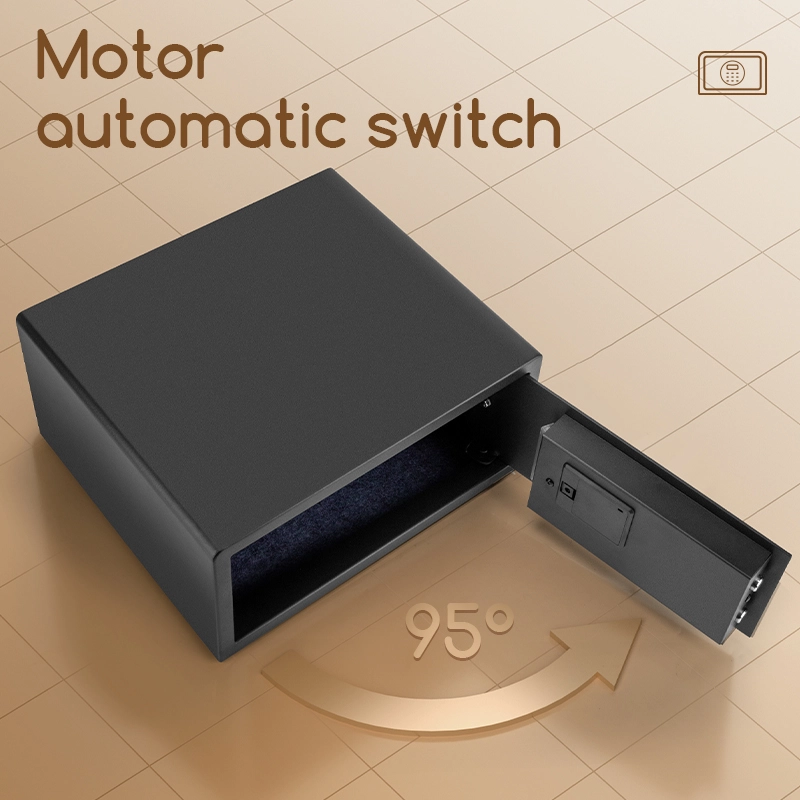
- Motorized Auto-Open Door: Features an advanced internal motor that automatically swings the door open for you upon successful code entry.
- Internal LED Lighting: Equipped with high-brightness LEDs that automatically illuminate the interior, ideal for dark wardrobes or low-light office corners.
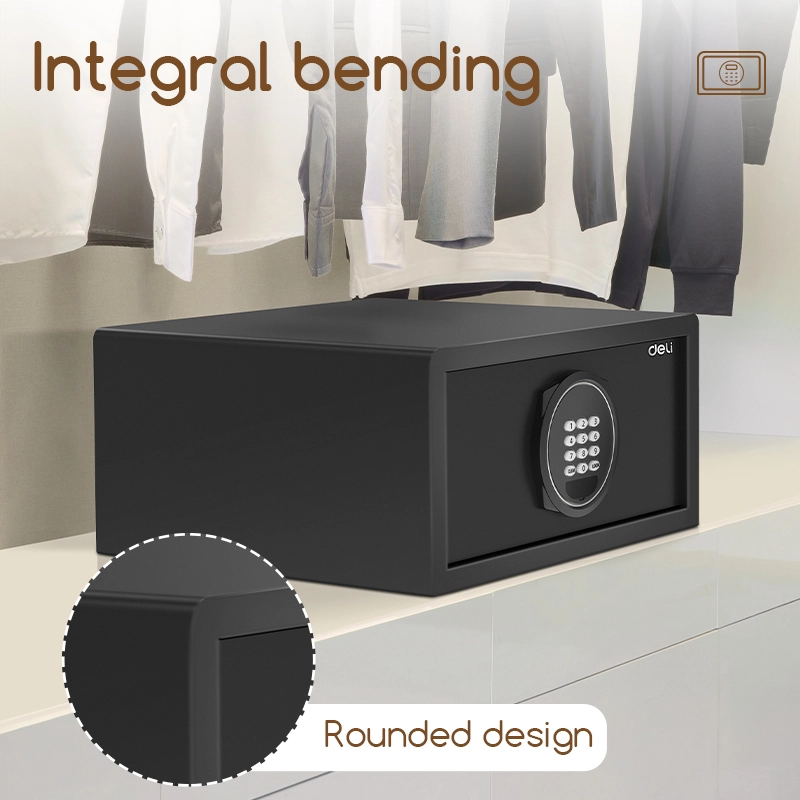
- Laptop-Ready Dimensions: The extra-wide 420mm body is specifically designed to fit standard laptops, wide-format tablets, and flat documents.
- Dual Entry Security: Offers flexible access using a 3-8 digit electronic passcode or a physical emergency override key for peace of mind.
- Intelligent Warning System: Includes a vibration-sensitive alarm and a lockout function that activates after 3-5 incorrect password attempts.
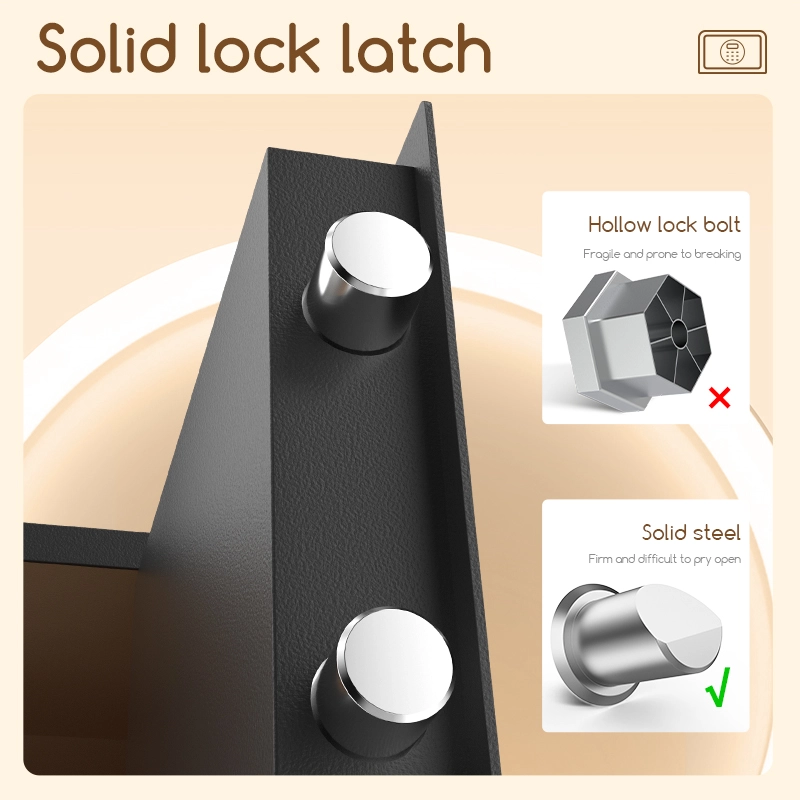
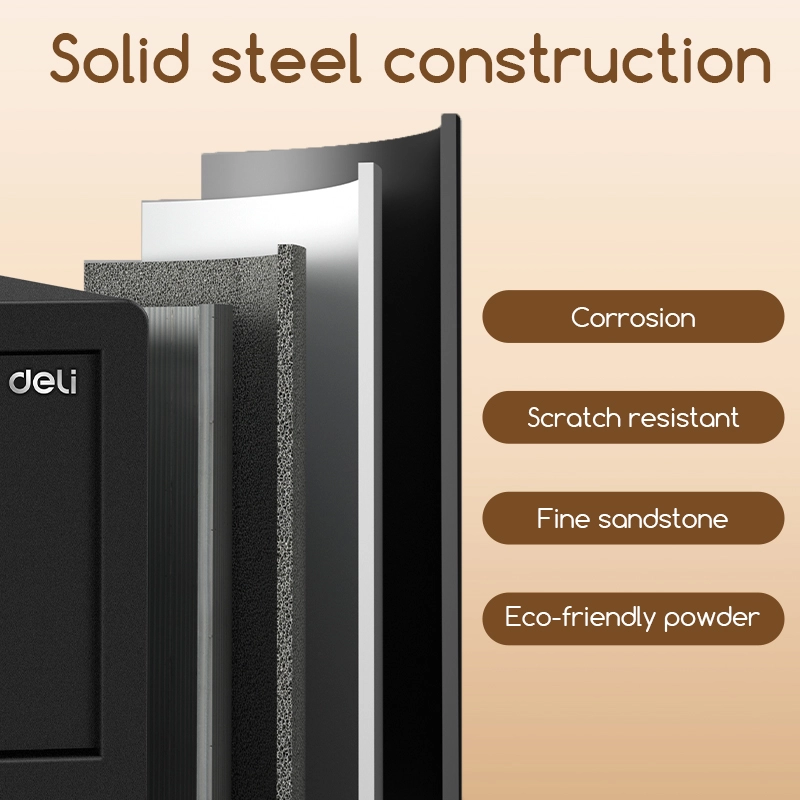
- Anti-Pry Steel Construction: Engineered with a laser-cut 4mm door and 1.5mm body thickness to prevent prying and mechanical tampering.
SPECIFICATIONS :
- Model : DELI ET547
- Unlocking Method : Digital Password + Emergency Key
- Material : High-Grade Steel
- External Dimensions : 420mm (W) x 200mm (H) x 370mm (D)
- Door Thickness : 4.0 mm
- Body Thickness : 1.5 mm
- Internal Lighting : Integrated LED
- Weight : Approx. 10kg – 11kg
Frequently Asked Questions (FAQ) for DELI ET547
1. How do I open the safe for the first time? Since the batteries are not yet installed, you must use the emergency override key.
Remove the lock cover on the front panel.
Insert the emergency key and turn it clockwise.
The door will open automatically (motorized).
Install 4 x AA Alkaline batteries into the battery box located on the back of the door.
2. What is the difference between “Hotel Mode” and “Home Mode”?
Hotel Mode (Default): The door is locked by entering a new 3-6 digit code and pressing “LOCK”. This code only works for one cycle (until the door is opened again), making it ideal for guests.
Home Mode: You press “LOCK” to close the door, and it remembers one permanent user code.
To Switch: Press “CLEAR” twice, enter “711469”, then enter “117051” for Home or “117050” for Hotel, and press “LOCK” three times.
3. How do I use the Master Password if I forget the Guest Code? The Master Password (factory default: 000000) can override any guest code.
While the door is closed, quickly press the “LOCK” key twice. The screen will display “SUPER.”
Enter the 6-digit Master Password.
The screen will show “OPENED,” and the door will slide open automatically.
4. How do I change the Master Password?
Ensure the safe is in the open state with bolts retracted.
Press the “CLEAR” key twice; the screen shows “PROG.”
Input the current Master Password (default 000000).
Press the “LOCK” key; the screen shows “NEW.”
Enter your new 6-digit Master Password and press “LOCK” to confirm.
5. What does “BATT-L” or “HOLD-5” on the display mean?
“BATT-L”: The battery is low. Replace all 4 AA batteries immediately. You can check battery health anytime by pressing the “LOCK” key while the door is open (BATT-H = Good).
“HOLD-5”: This is a security lockout. If an incorrect code is entered 4 times, the safe locks the keypad for 5 minutes. You must wait for the timer to end or use the emergency key.
6. Can I use an external power source? Yes. If the internal batteries are completely dead and you don’t have the key, plug the included External Battery Box into the jack at the bottom of the electronic panel to provide temporary power.